ATM Communication Errors: How to Separate Network, Host, and Terminal Problems
A failed ATM transaction can look like ‘the internet is down’ even when the real issue is configuration, routing, host response, or the terminal itself.
Describe the failure point
Record whether the terminal cannot come online, begins a transaction but cannot reach the host, receives a host response, completes transactions but stops reporting to remote management, or fails only at certain times. These are different communication paths and should not be treated as one symptom.
Capture the exact code and message, local time, last successful transaction, last successful monitoring contact, recent configuration or equipment changes, and whether the issue affects one terminal, one location, or a larger group.
Check the local path safely
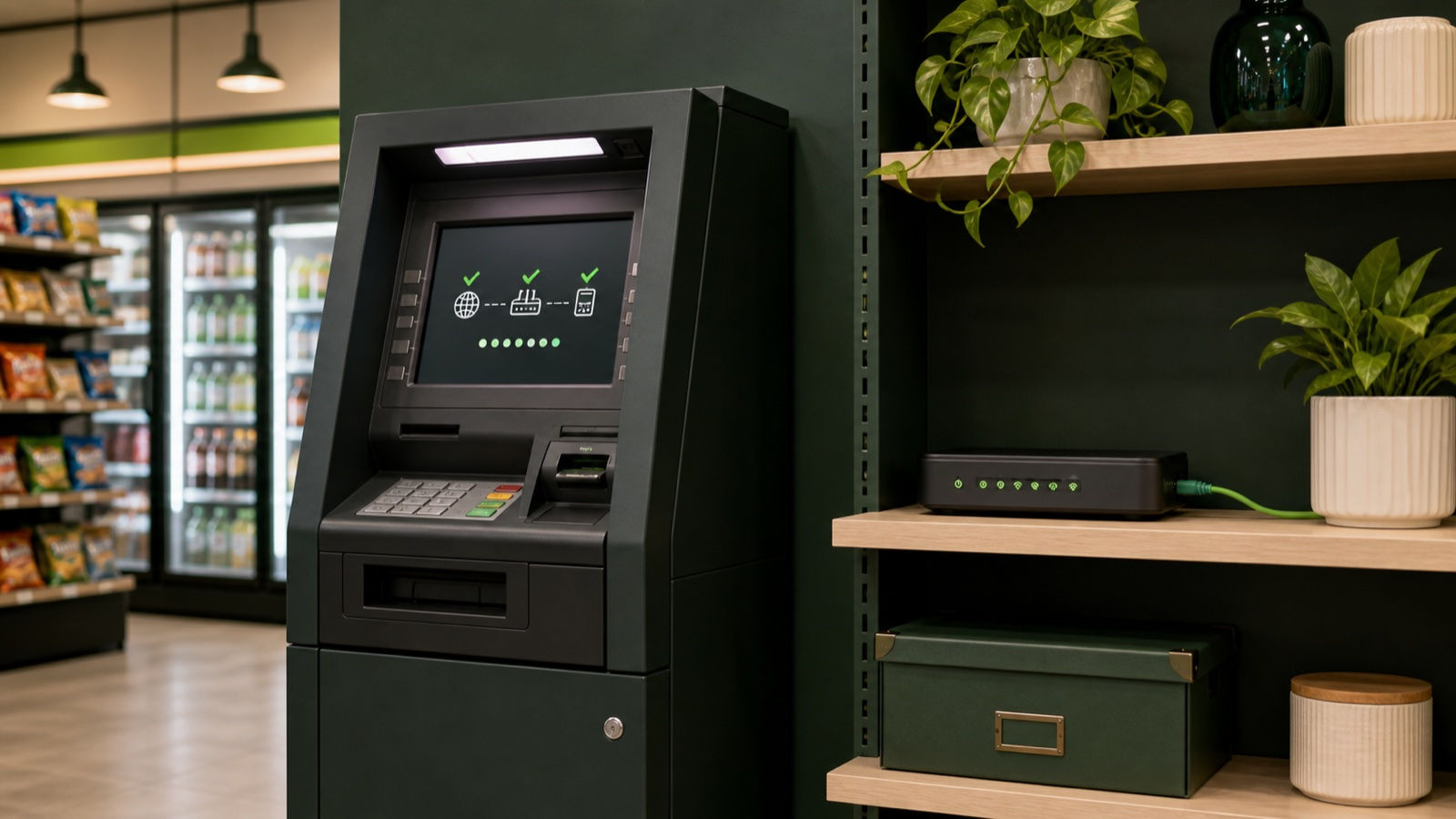
Confirm power and visible status for the approved modem, router, or communication device. Inspect operator-accessible cables for an obvious loose connection or damage without opening restricted equipment. Determine whether another approved device at the location can reach its service.
A working phone or merchant Wi-Fi does not prove that the ATM’s dedicated path, SIM, firewall rule, port, VPN, or service is working. Record what was actually tested and avoid changing network or host settings without an approved configuration.
Distinguish host response from no response
A documented decline, invalid terminal ID, routing mismatch, or unsupported-card response shows that some communication occurred and the host returned a result. A timeout or inability to connect may point to the path, service, endpoint, configuration, certificate, or host availability.
Preserve the journal wording and transaction sequence. Do not repeatedly change terminal IDs, routing values, keys, addresses, or other restricted settings in an attempt to make the message disappear.
Use scope to narrow the cause
If every terminal on one connection fails, investigate the shared local or carrier path. If one terminal fails while another on the same approved service works, compare power, cabling, configuration history, software, and device status. If terminals across different locations fail together, escalate for processor, network, or shared-service review.
If customer transactions work but remote monitoring does not, treat monitoring as its own path. If monitoring works but authorizations fail, preserve that distinction in the support case.
Escalate with a clean evidence set
Send the terminal identity, exact error, timestamps, failure scope, last known good event, journal range, visible device status, safe checks, and recent changes. Use a secure approved channel for any configuration record and never include passwords, encryption keys, full card data, or private host details in ordinary notes.
Stop if troubleshooting would require bypassing security, using unapproved remote access, changing restricted host values, or opening powered communication equipment. The objective is to isolate the failing layer so the responsible party can act safely.
Apply the guidance safely
Use this guide as a controlled decision path rather than a reason to try every possible fix. Record the terminal identity, exact symptom, time, evidence, and result at each stage. Preserve the original error and journal context before a reset, counter change, or repeated test removes information. When a check does not match the stated condition, stop and return to the evidence instead of forcing the next step.
Manufacturer instructions, processor and sponsor requirements, cash-control rules, and qualified-service boundaries remain authoritative for a specific terminal. PayTree guidance is intended to help an operator make the next safe decision, recognize the responsible system, and send a complete support case. It does not authorize disassembly, security bypasses, restricted configuration changes, or work outside the operator's role.
Related PayTree Help Center guidance
Open the specific diagnostic guide: Genmega D2500 Cannot Connect To The Host
Open the specific diagnostic guide: Genmega D1800 No Dial Tone
Open the specific diagnostic guide: Genmega D0103 PIN Error
Open the specific diagnostic guide: Genmega D0104 Invalid PIN
Open the specific diagnostic guide: Genmega ADN04 Printer Connection Error
Open the specific diagnostic guide: Genmega D00a2 FS Omitted After Available Balance
Open the specific diagnostic guide: Genmega D00a8 FS Omitted After Surcharge In Configuration Message
Open the specific diagnostic guide: Genmega D0106 Card Not Supported
Open the specific diagnostic guide: Genmega D2100 Modem Initializing Error
Open the specific diagnostic guide: Genmega D0095 Routing ID Mismatch
Open the specific diagnostic guide: Genmega D0096 Terminal ID Mismatch
Open the specific diagnostic guide: Genmega D00b0 Invalid Terminal ID
Get help with the next step
Looking for an exact error code or symptom? Visit the PayTree Help Center
Need help with a specific terminal or operating issue? Contact PayTree support


Comments